
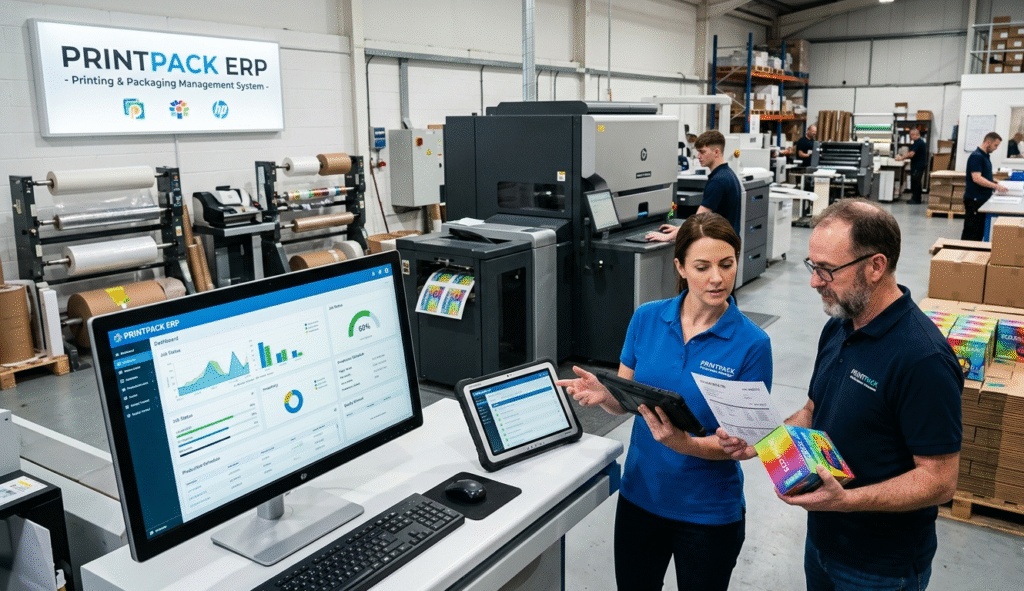
The printing and packaging industry is becoming increasingly competitive, requiring businesses to manage production, inventory, sales, procurement, and quality control efficiently. Traditional spreadsheets and manual processes often lead to production delays, inventory mismatches, and increased operational costs.
A Printing & Packaging ERP Software solution helps businesses automate and streamline their entire workflow, providing real-time visibility into every aspect of operations. From order management to production planning and financial reporting, ERP software enables packaging companies to improve productivity, reduce waste, and maximize profitability.
What is Printing & Packaging ERP Software?
Printing & Packaging ERP Software is an integrated business management system designed specifically for printing and packaging manufacturers. It connects various departments into a single platform, allowing seamless data flow and real-time decision-making.
The software typically manages:
- Production Planning
- Inventory Management
- Purchase Management
- Sales & Order Processing
- Quality Control
- Financial Accounting
- Cost Analysis
- Customer Relationship Management (CRM)
By centralizing business operations, companies can eliminate data silos and improve overall efficiency.
Why Printing & Packaging Companies Need ERP Software
As production volumes grow, managing operations manually becomes increasingly difficult.
Improved Production Planning
ERP software helps schedule production jobs efficiently, ensuring machines, materials, and labor are utilized optimally.
Better Inventory Control
Track raw materials, finished goods, and packaging supplies in real time to avoid stock shortages and overstocking
Reduced Production Waste
Monitor material consumption and identify inefficiencies that lead to unnecessary waste
Faster Order Processing
Automatically convert customer orders into production plans and delivery schedules
Accurate Costing
Calculate production costs accurately, including raw materials, labor, machine usage, and overhead expenses.
Key Features of Printing & Packaging ERP Software
Production Management
Manage and monitor:
- Job Orders
- Production Scheduling
- Machine Allocation
- Work-in-Progress Tracking
- Production Reports
This ensures smooth manufacturing operations and timely delivery.
Inventory Management
Track:
- Paper Rolls
- Ink
- Adhesives
- Packaging Materials
- Finished Products
Real-time inventory tracking helps reduce stock-related issues.
Purchase Management
Automate procurement processes by:
- Creating Purchase Requisitions
- Generating Purchase Orders
- Supplier Management
- Goods Receipt Tracking
This improves purchasing efficiency and supplier coordination
Sales Management
Manage customer orders from quotation to invoice.
Features include:
- Quotation Management
- Sales Orders
- Delivery Tracking
- Customer History
- Payment Tracking
Quality Control
Ensure product quality through:
- Inspection Checklists
- Defect Tracking
- Quality Reports
- Compliance Monitoring
Accounting Integration
Integrated accounting modules help manage:
- General Ledger
- Accounts Receivable
- Accounts Payable
- Financial Statements
- Tax Reporting
Benefits of Using Printing & Packaging ERP Software
Increased Productivity
Automation reduces manual work and allows employees to focus on higher-value tasks.
Real-Time Business Insights
Management can access live dashboards and reports for better decision-making.
Enhanced Customer Satisfaction
Timely deliveries and accurate order fulfillment improve customer relationships.
Lower Operational Costs
ERP systems help identify inefficiencies and reduce unnecessary expenses.
Better Compliance and Traceability
Maintain detailed records for audits and quality certifications.
How ERP Software Improves Printing & Packaging Production
A modern ERP system provides complete visibility into the production lifecycle.
Production Workflow Example:
- Customer Order Received
- Production Planning Created
- Raw Materials Allocated
- Manufacturing Started
- Quality Inspection Conducted
- Finished Goods Stored
- Delivery Scheduled
- Invoice Generated
This workflow ensures smooth coordination between departments and minimizes production bottlenecks.
Essential ERP Modules for Printing & Packaging Businesses
Production Module
Plan, monitor, and control manufacturing activities.
Inventory Module
Track stock movements and warehouse operations.
Procurement Module
Manage supplier relationships and purchasing activities.
Sales Module
Handle customer orders and sales operations.
Accounting Module
Monitor financial performance and profitability.
CRM Module
Maintain customer records and improve customer engagement.
Reporting & Analytics Module
Generate detailed reports for management decision-making.
Choosing the Best Printing & Packaging ERP Software
When selecting an ERP solution, consider:
Scalability
The software should support future business growth.
Customization
It should adapt to your specific packaging processes.
User-Friendly Interface
Employees should be able to learn and use the system easily.
Cloud Accessibility
Access business data anytime and from anywhere.
Technical Support
Reliable support ensures smooth implementation and operation.
Future Trends in Printing & Packaging ERP Software
The industry is rapidly evolving with new technologies such as:
- Artificial Intelligence (AI)
- Machine Learning
- Cloud ERP Solutions
- Mobile ERP Applications
- IoT-Based Production Monitoring
- Advanced Business Analytics
Companies adopting these technologies gain a competitive advantage and improve operational efficiency.
Why Your Business Should Invest in Printing & Packaging ERP Software
Investing in ERP software is no longer optional for growing packaging businesses. A modern ERP solution helps improve productivity, reduce waste, streamline operations, and provide valuable business insights.
Whether you operate a small packaging unit or a large-scale printing and packaging company, ERP software can transform the way you manage your business and drive long-term success.
Frequently Asked Questions (FAQs)
What is Printing & Packaging ERP Software?
Printing & Packaging ERP Software is a business management solution that integrates production, inventory, sales, procurement, accounting, and quality control into one centralized system.
How does ERP software help packaging manufacturers?
ERP software automates operations, improves production planning, tracks inventory, reduces waste, and provides real-time business insights
Can ERP software manage production processes?
Yes. ERP software can manage production scheduling, work orders, machine allocation, and manufacturing tracking.
Is ERP software suitable for small packaging businesses?
Absolutely. Modern ERP solutions are scalable and can be used by both small and large packaging companies.
What modules are included in Printing & Packaging ERP Software?
ommon modules include Production Management, Inventory Management, Purchase Management, Sales Management, Accounting, CRM, and Reporting & Analytics.
How does ERP software improve inventory management?
It provides real-time stock visibility, automated stock updates, and inventory forecasting, helping businesses avoid stock shortages and excess inventory
Conclusion
Printing & Packaging ERP Software is an essential tool for businesses looking to improve operational efficiency, production management, inventory control, and profitability. By integrating all core business processes into a single platform, ERP software enables companies to make informed decisions, enhance customer satisfaction, and achieve sustainable growth.
If you want to stay competitive in today’s fast-changing printing and packaging industry, implementing a robust ERP solution is one of the smartest investments your business can make.